 DipakHalkude
8369168abe
DipakHalkude
8369168abe
## What I've Implemented

I've added tooltips that show the original action type when you hover
over workflow step icons in the side panel. Now even if you rename an
action to something custom, you can still see what type of action it
actually is by hovering over the icon.

## The Problem This Solves

Before this change, once you renamed a workflow action (like changing
"Create Record" to "Add New Customer"), there was no way to tell what
the original action type was. This made it really confusing when
collaborating with others or when coming back to your own workflows
after some time - you couldn't tell if an action was a "Create Record"
or "Update Record" or something else.

## What Changed

Updated action type labels: Instead of showing just "Action" for all
record operations, the system now shows specific types like "Create
Record", "Update Record", "Delete Record", etc.

Added hover tooltips: When you hover over the action icons in the
workflow side panel, a tooltip appears showing the original action type,
even if you've renamed the step title.

## Before vs After

Before: All actions showed "Action" in the side panel, making it
impossible to distinguish between different types after renaming.

After: Each action shows its specific type in tooltips, so you always
know what you're working with.

This should make workflow management much clearer, especially when
multiple people are collaborating on the same workflow!

Resolves #14878

## Demo Video

See it in action:
https://www.loom.com/share/c0e0ec24e4524d0685b841e9ceb011d0?t=65&sid=dc05e58a-8869-4969-aa67-9772242fe697

---------

Co-authored-by: Thomas Trompette <thomas.trompette@sfr.fr>


The #1 Open-Source CRM
🌐 Website · 📚 Documentation ·  Roadmap ·
  Discord ·
  Figma
Figma
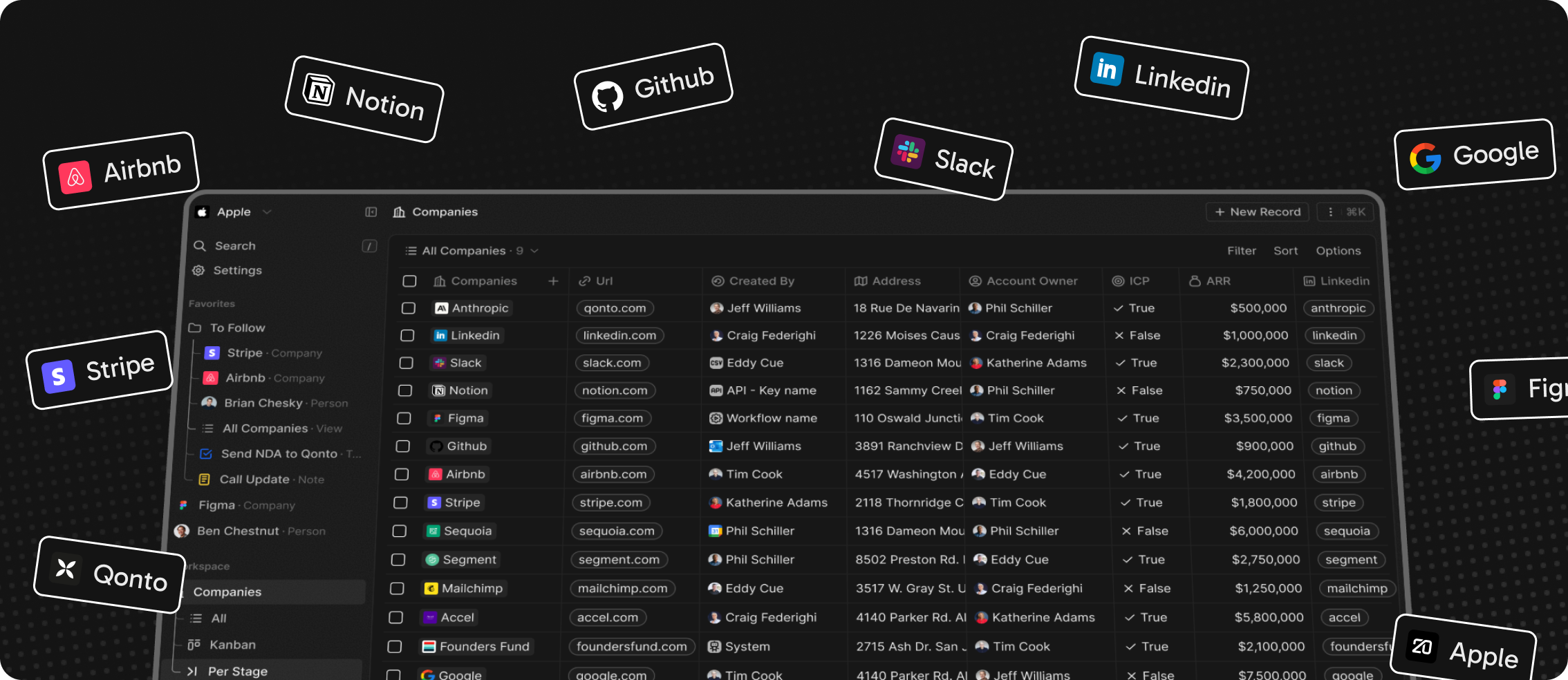
Installation
See:
🚀 Self-hosting
🖥️ Local Setup
Does the world need another CRM?
We built Twenty for three reasons:
CRMs are too expensive, and users are trapped. Companies use locked-in customer data to hike prices. It shouldn't be that way.
A fresh start is required to build a better experience. We can learn from past mistakes and craft a cohesive experience inspired by new UX patterns from tools like Notion, Airtable or Linear.
We believe in Open-source and community. Hundreds of developers are already building Twenty together. Once we have plugin capabilities, a whole ecosystem will grow around it.
What You Can Do With Twenty
Please feel free to flag any specific needs you have by creating an issue.
Below are a few features we have implemented to date:
- Personalize layouts with filters, sort, group by, kanban and table views
- Customize your objects and fields
- Create and manage permissions with custom roles
- Automate workflow with triggers and actions
- Emails, calendar events, files, and more
Personalize layouts with filters, sort, group by, kanban and table views

Customize your objects and fields

Create and manage permissions with custom roles

Automate workflow with triggers and actions

Emails, calendar events, files, and more

Stack
- TypeScript
- Nx
- NestJS, with BullMQ, PostgreSQL, Redis
- React, with Recoil, Emotion and Lingui
Thanks


Thanks to these amazing services that we use and recommend for UI testing (Chromatic), code review (Greptile), catching bugs (Sentry) and translating (Crowdin).
Join the Community
- Star the repo
- Subscribe to releases (watch -> custom -> releases)
- Follow us on Twitter or LinkedIn
- Join our Discord
- Improve translations on Crowdin
- Contributions are, of course, most welcome!